LoginRegister

An informational scene about Raja Game Release Notes with clear and prominent text.

Raja Game Release Notes

The Raja Game Release Notes provide a comprehensive overview of the latest features, updates, and important information regarding the app's functionality.

Stay informed about device compatibility, support channels, and account security measures to enhance your experience with Raja Game.

Brand Icon

Create your account to explore the features of Raja Game.

The Basics

Summary
Stay up-to-date with Raja Game's latest version and features.
Learn about device compatibility and login assistance.
Understand account security protocols.

Certified

Verified Connection

Sections

Minimal icon representing Raja Game Release Notes.

Latest Updates

The Latest Updates section outlines the most recent changes and improvements made to the Raja Game application.

Regular updates ensure enhanced performance, new features, and overall user satisfaction.

  • Introduction of new game modes
  • Improvement in user interface
  • Performance optimizations
  • Bug fixes and stability enhancements
  • New tutorials and support resources
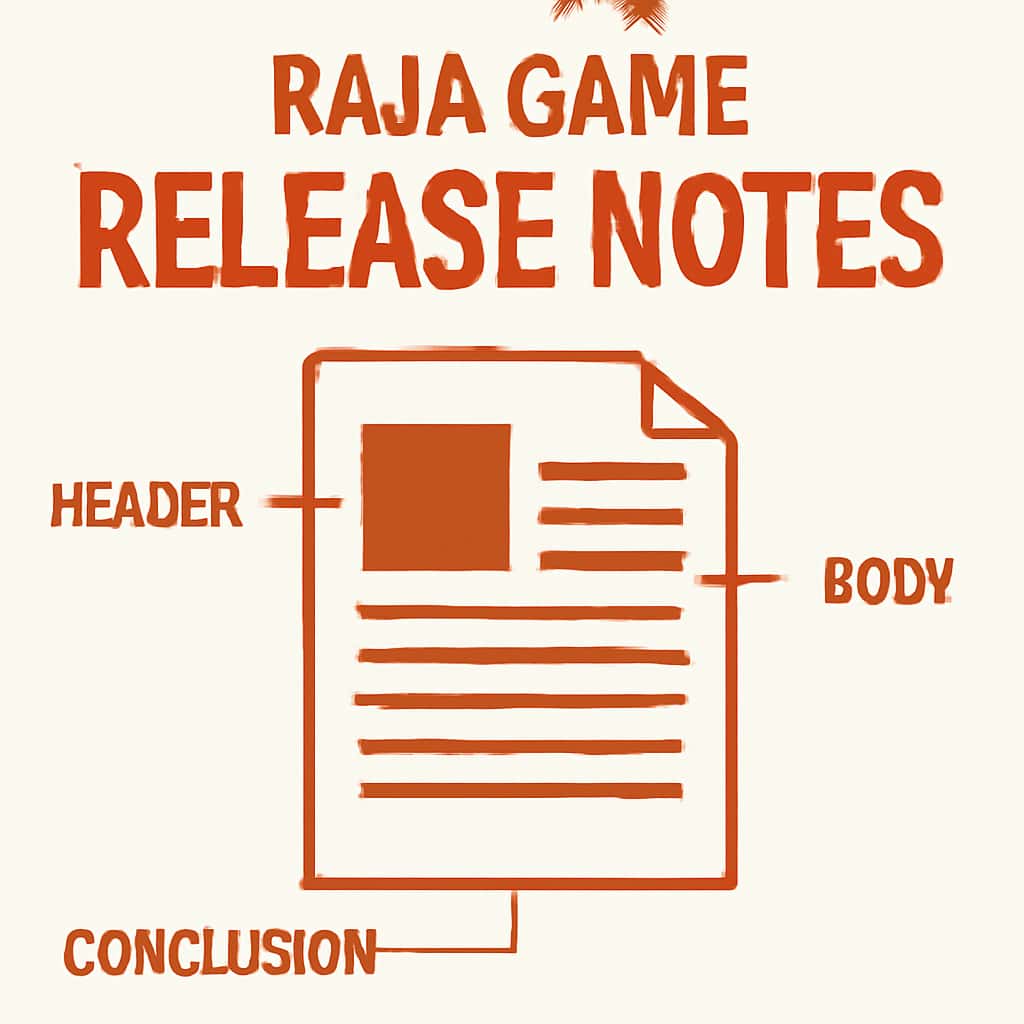
Diagram explaining Raja Game Release Notes.

Device Compatibility

Raja Game is designed to provide seamless functionality across various devices.

Check this section for a detailed list of supported devices and system requirements.

  • Compatible with most Android and iOS devices
  • Minimum OS version required
  • Recommended system specifications
  • Testing on a wide array of devices for optimal performance
  • Regular assessments to improve compatibility

Account Security

Ensuring the security of your Raja Game account is paramount.

This section details the security measures in place to protect your information.

  • Two-factor authentication process
  • Regular security updates
  • Monitoring for unusual account activity
  • Guidance for creating a strong password
  • Support for account recovery options

Troubleshooting Steps

In case you encounter issues, this segment provides troubleshooting steps for common problems users may face.

Follow these guidelines to resolve issues effectively.

  • Common login issues and solutions
  • Steps to clear cache and data
  • Reinstallation procedures
  • Contacting support for unresolved issues
  • Checking for app updates

Support Channels

Accessing support is simple and efficient through our designated channels.

This section highlights the various ways you can reach out for assistance.

  • Email support for inquiries
  • Live chat options on the website
  • Access to the community forums
  • Feedback submission form
  • Guides and FAQs available in-app

Steps to Update Your App

1

Open the App Store or Play Store

Navigate to the app store applicable to your device.

2

Search for Raja Game

Type 'Raja Game' in the search bar to locate the app.

3

Check for Updates

If an update is available, you will see an 'Update' button.

4

Install the Update

Click 'Update' and wait for the download and installation to complete.

5

Launch the App

Open Raja Game to explore the new features and updates.

Common Issues

Unable to log in

This may occur due to forgotten passwords or incorrect usernames.

  • Use the 'Forgot Password' option to reset your password.
  • Ensure you are entering the correct username.

App crashing on launch

This can happen due to outdated app versions or device compatibility issues.

  • Ensure you have the latest version installed.
  • Check your device's compatibility with the app.

Frequently Asked Questions

You can update the app via the App Store or Play Store by searching for Raja Game and clicking on the 'Update' button.
Use the 'Forgot Password' option on the login screen to reset your password securely.
Support can be accessed through the help section within the app or by visiting our support page.
Check the device compatibility section in the release notes for details on supported devices.