LoginRegister

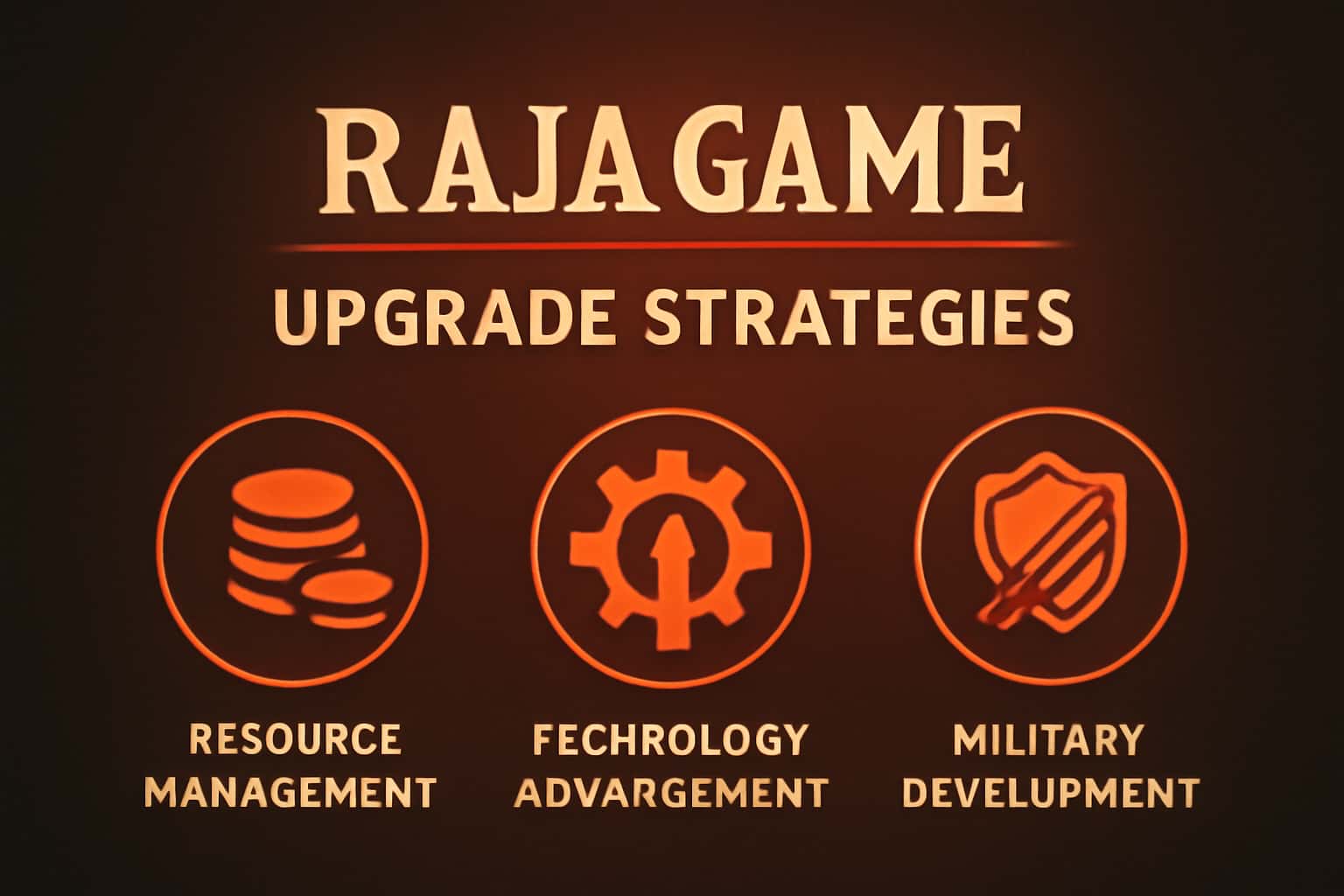
An informational scene showcasing upgrade strategies for Raja Game.

Upgrade Strategies for Raja Game

Upgrade strategies for Raja Game refer to the methods and techniques players can use to improve their gameplay experience and game performance.

By understanding the key features and enhancements available, players can maximize their enjoyment and efficiency within the game.

Brand Icon

Start enhancing your gaming experience today.

The Basics

Summary
Focus on understanding device compatibility for smooth gameplay.
Utilize account protection measures to secure your gaming profile.
Stay updated with the latest release notes for optimal game performance.

Why Trust Our Strategies?

  • Informed by expert analysis of Raja Game's features.
  • Backed by community feedback and player experiences.
  • Regularly updated to reflect the latest game enhancements.

Upgrade Strategies

An icon representing upgrade strategies for Raja Game.

Understanding Device Compatibility

Device compatibility is crucial for optimal gameplay in Raja Game. Players should ensure their devices meet the minimum requirements for a smooth gaming experience.

Checking for updates on device specifications can prevent issues related to performance.

  • Verify device specifications against game requirements.
  • Regularly check for software updates on your device.
  • Consider upgrading your device for better performance.
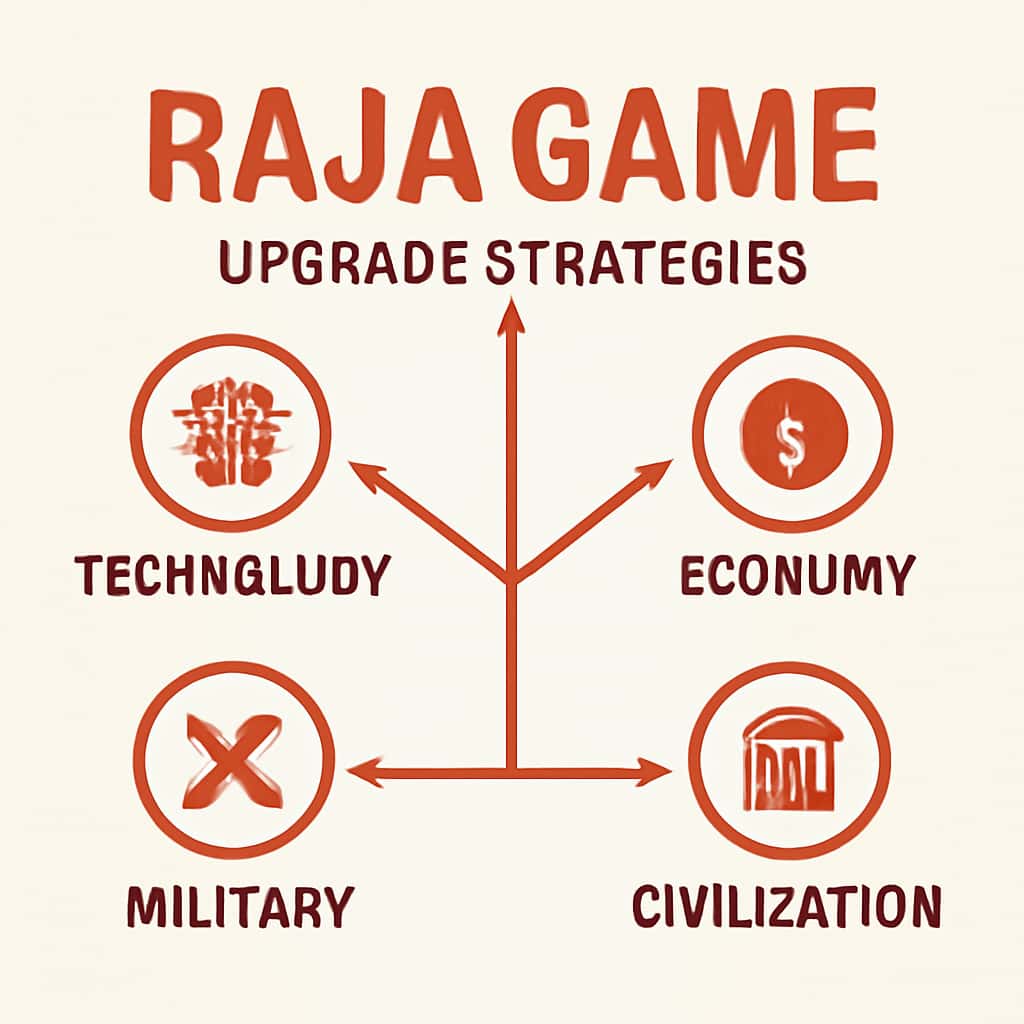
A diagram illustrating upgrade strategies for Raja Game.

Account Security Measures

Securing your Raja Game account is essential to protect your in-game progress and personal information.

Implementing two-factor authentication and strong passwords can significantly enhance account security.

  • Use strong, unique passwords for your account.
  • Enable two-factor authentication for added security.
  • Regularly update your security settings and passwords.

Staying Updated with Release Notes

Keeping track of the latest release notes for Raja Game ensures that you are aware of new features and bug fixes that could enhance your experience.

Release notes often contain valuable information about gameplay improvements and system requirements.

  • Check the release notes regularly on the official site.
  • Follow updates on new features and enhancements.
  • Understand how updates may affect your gameplay experience.

Exploring Platform Features

Raja Game offers various features designed to improve gameplay experience. Familiarizing yourself with these can enhance your overall enjoyment.

Utilizing in-game tools and settings can help tailor the game to your preferences.

  • Explore settings to optimize your gameplay experience.
  • Take advantage of tutorials and guides provided in-game.
  • Participate in community forums for tips on feature usage.

Utilizing Support Channels

When encountering issues, utilizing the support channels available can help resolve problems quickly.

Raja Game provides various avenues for support, including FAQs and live support options.

  • Refer to the FAQ section for common inquiries.
  • Utilize live chat support for immediate assistance.
  • Engage in community forums for peer support.

Steps to Implement Upgrade Strategies

1

Check Device Compatibility

Ensure your device meets the minimum requirements specified for Raja Game to prevent performance issues.

2

Secure Your Account

Implement strong passwords and enable two-factor authentication for enhanced account safety.

3

Review Release Notes

Stay informed about the latest updates and features by regularly checking the release notes.

4

Explore Game Features

Familiarize yourself with all available features to fully utilize the gaming experience.

5

Access Support Channels

Whenever issues arise, reach out to support channels for the quickest resolution.

Common Issues

Performance Lag

This can occur if your device does not meet the game requirements or if the game is not updated.

  • Check device compatibility and requirements.
  • Ensure that the game is updated to the latest version.

Account Access Issues

Issues may arise from forgotten passwords or lack of account security measures.

  • Use password recovery options.
  • Enable two-factor authentication to secure account access.

Frequently Asked Questions

Ensure your device has sufficient RAM and a compatible operating system for optimal performance.
Implement strong passwords and enable two-factor authentication.
The latest updates can be found in the release notes section on the official site.
Utilize the support channels provided for assistance with technical issues.